Introduction
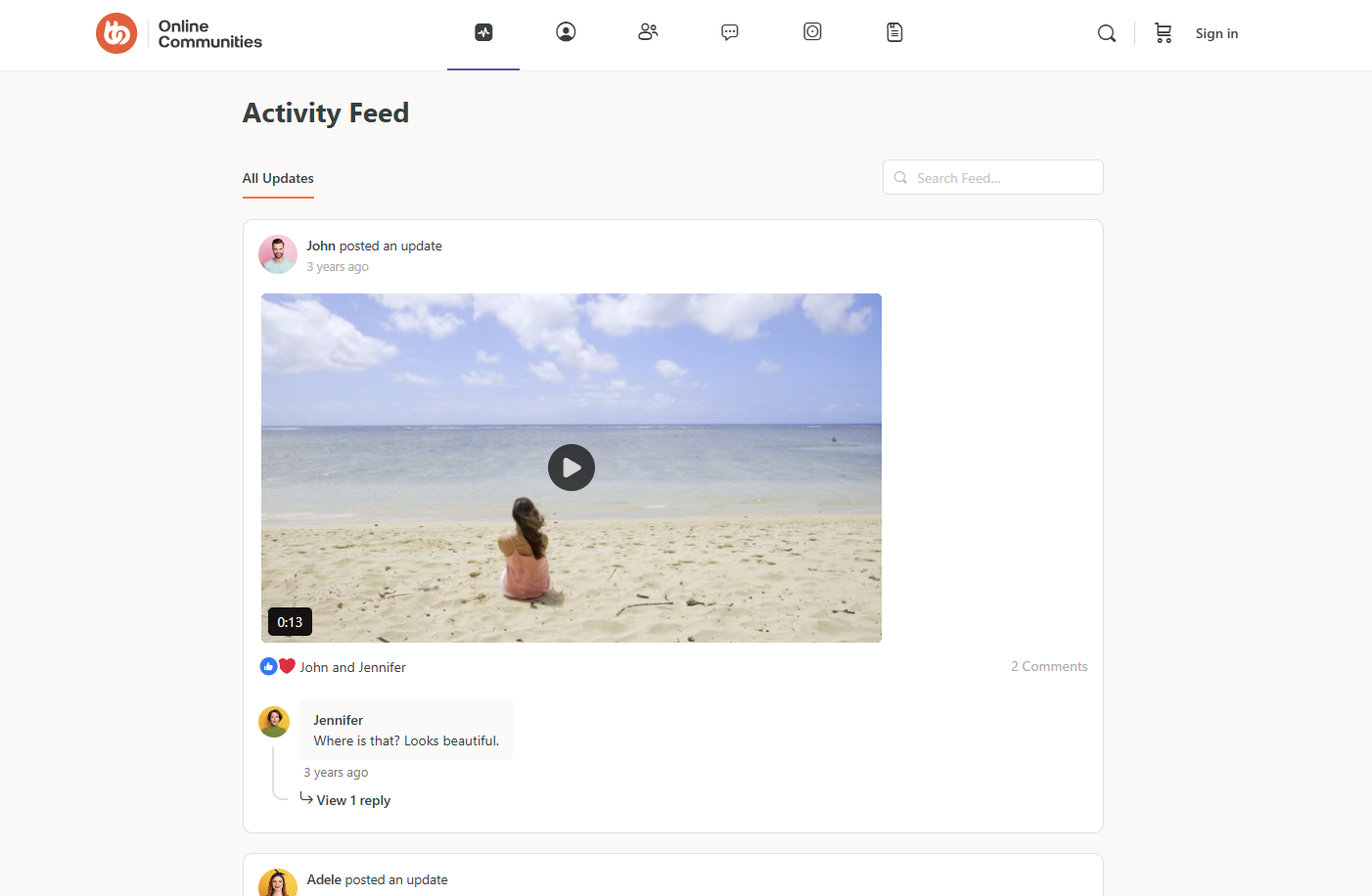
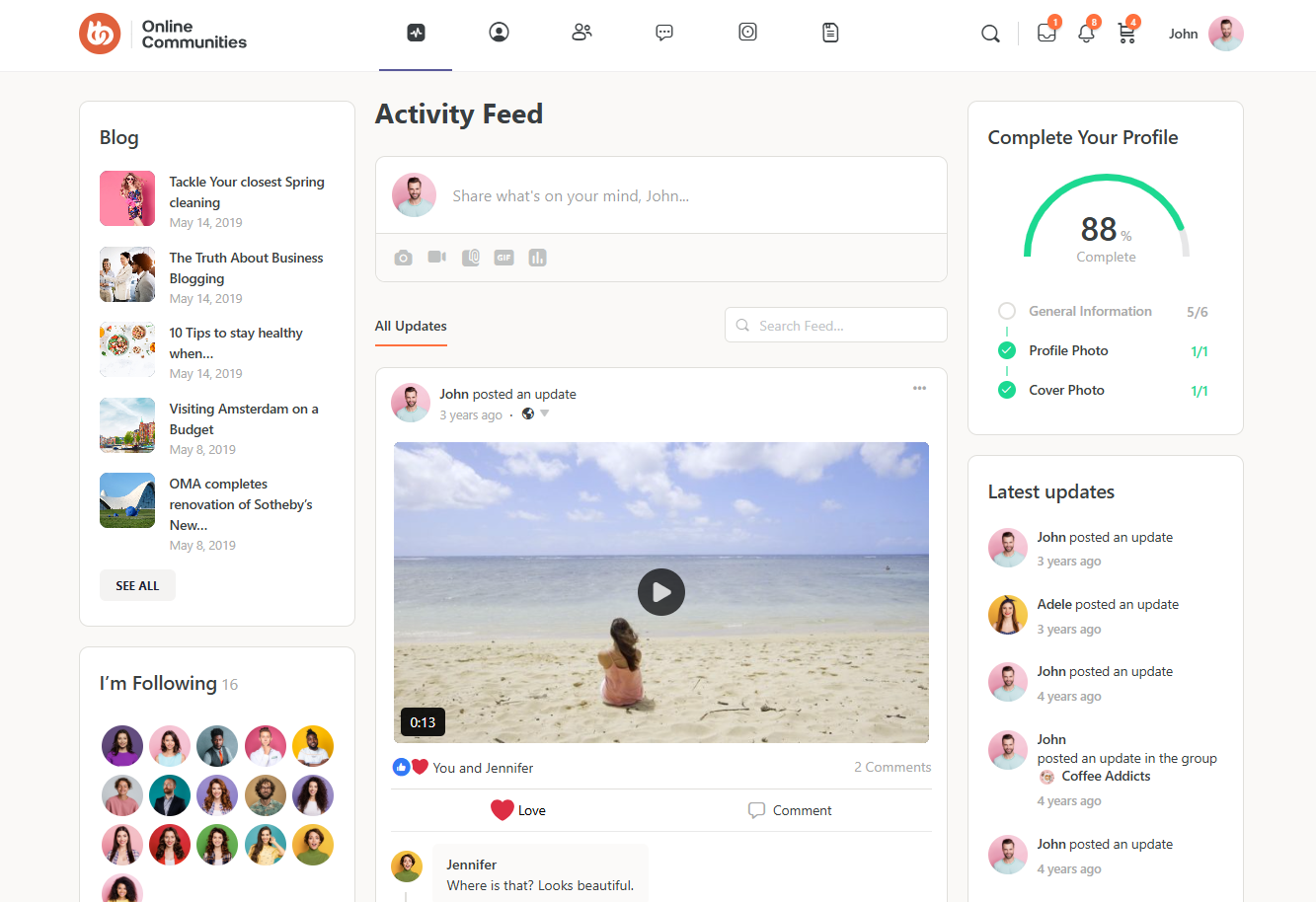
By default, BuddyBoss does not provide an option to hide widgets for logged-out users. Using a simple CSS snippet, you can hide sidebar widgets when users are not logged in and center the main content layout for a cleaner appearance.
Custom Workaround
Follow the steps below to hide widgets for logged-out users:
- Go to BuddyBoss > Theme Options
- Under Custom Codes, enable CSS
- Append the following:
body:not(.logged-in) div#secondary,

body:not(.logged-in) div#secondary-right {

    display: none;

}

body:not(.logged-in) div.bb-grid {

    justify-content: center;

}- Save changes.
Troubleshooting and FAQs
Q: Will this remove widgets for logged-in users as well?
A: No. This CSS only applies to logged-out users. Logged-in users will still see the widgets.
Q: The widgets are still visible after adding the CSS. What should I do?
A: Clear your site cache and browser cache. If the issue persists, check if your theme uses different sidebar IDs.
Q: Does this affect mobile views?
A: Yes. The widgets will be hidden for logged-out users on all screen sizes, including mobile.
Q: Can I hide only specific widgets instead of the entire sidebar?
A: Yes. You can target specific widget classes or IDs instead of the entire sidebar container.
Screenshots
Logged-in
Logged-out